When the iPhone app came out last week, we said Android was coming soon. It’s here: the RotaTiger app is on Google Play today, for phones running Android 9 or later.
Like the iPhone app, it’s free to download and comes with every RotaTiger account. If your company already has one, your team can install it today.
What’s in it
Everything that’s in the iPhone app:
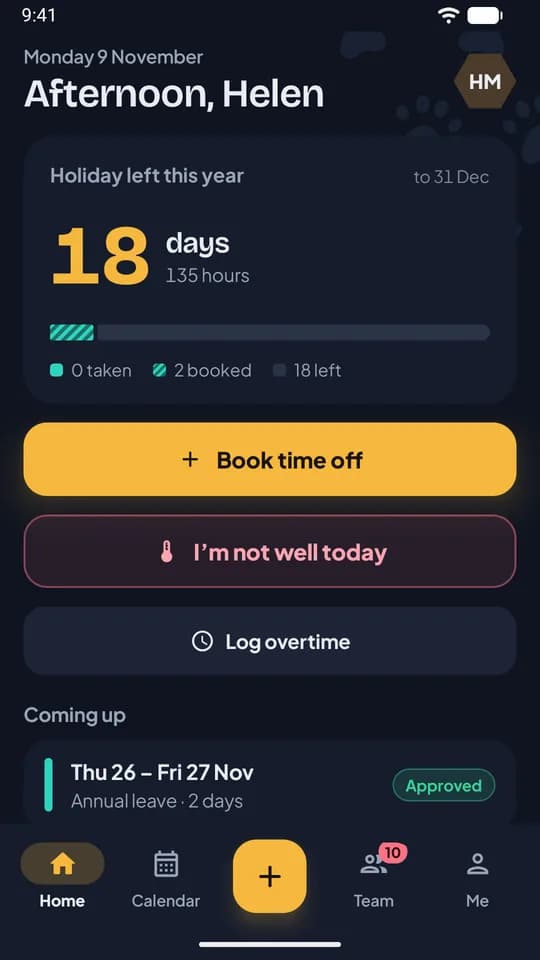
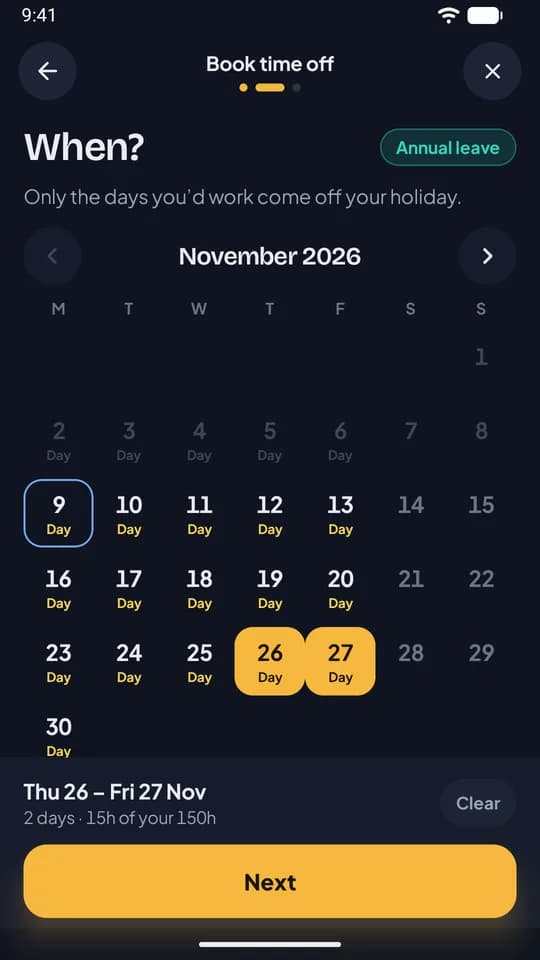
- For staff: today’s shift and holiday left on the home screen, the rota for the weeks ahead, time off booked in three taps, “I’m not well today” before a shift starts, open shifts to take, and the times they can’t work.
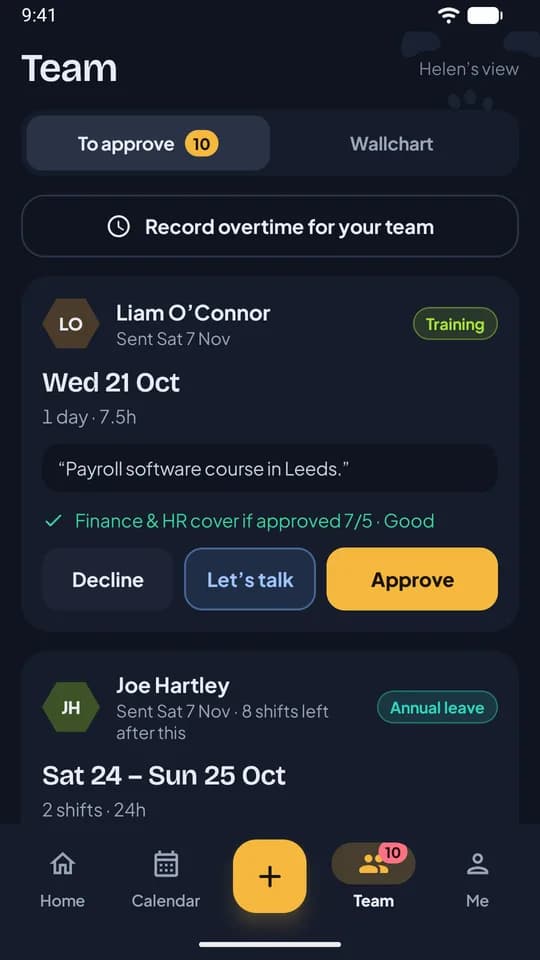
- For line managers: Approve, Decline or “Let’s talk” on each request, with a warning if saying yes would leave the team below minimum cover. The team wallchart and overtime are in there too.
- Around the app: notifications with Approve and Decline buttons on them, home screen widgets for the next shift and holiday left, and sign-in with a fingerprint or face unlock, passkeys and two-step verification.
The iPhone launch post goes through each of these in more detail.
How your team gets it
There’s no sign-up in the app. It’s for companies that already use RotaTiger:
- Add your people in RotaTiger and send their invites, if you haven’t already.
- They install RotaTiger from Google Play.
- They enter their work email or mobile number and type the code we send.
Anyone who has been using RotaTiger in their phone’s browser signs in to the app with the same account, and the browser still works for anyone who’d rather not install anything.
You can see more on the apps page.